
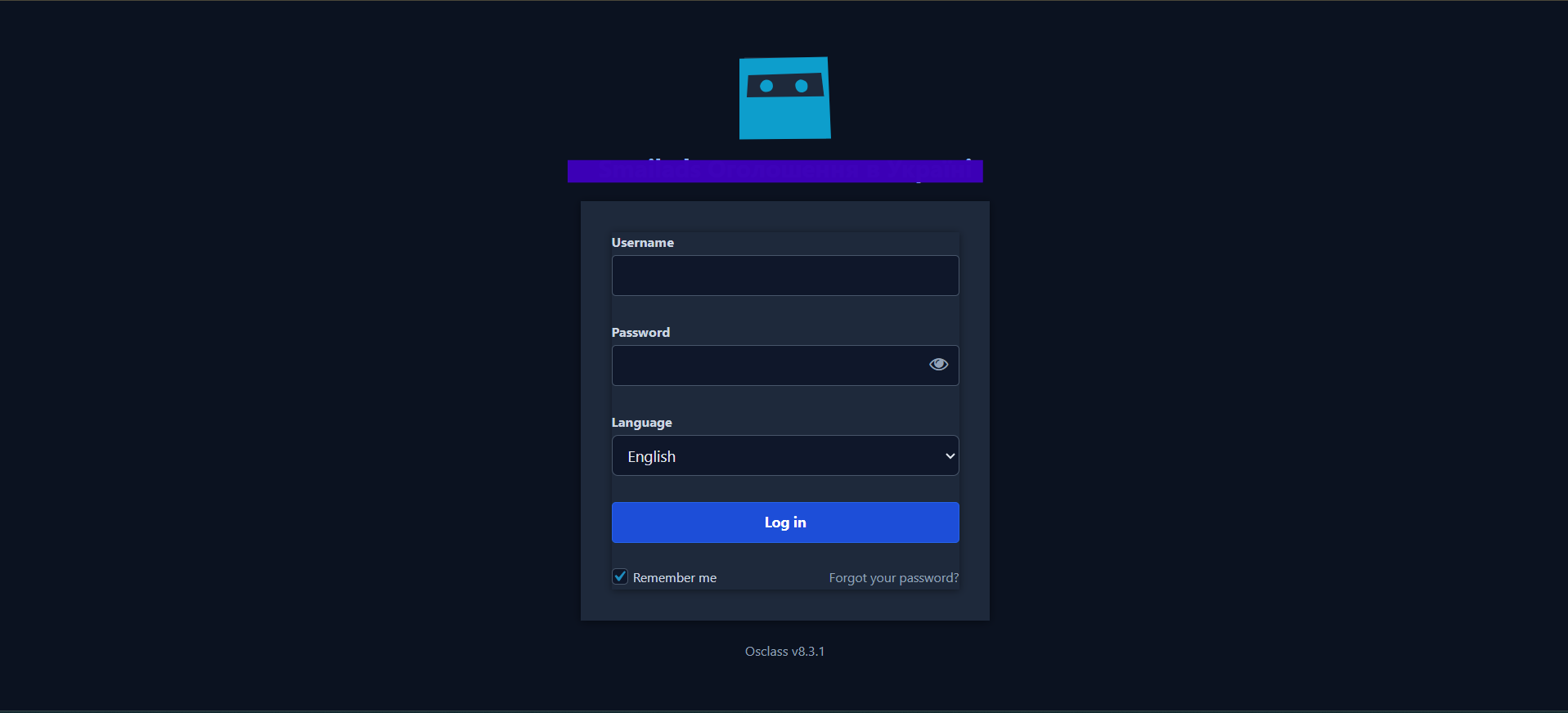

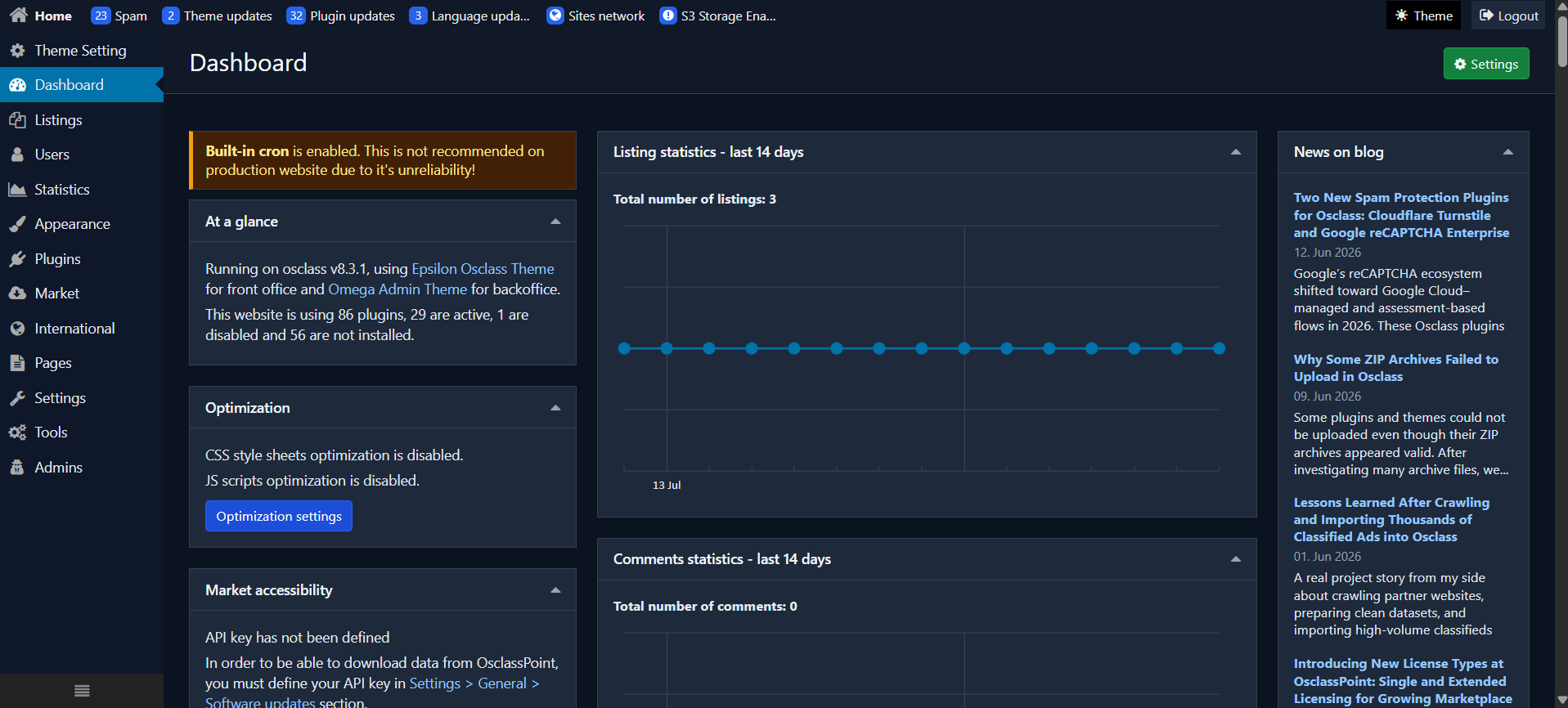

WA Admin Dark Mode
Install once and work longer in Osclass admin with less glare—Omega and WA screens covered, core untouched, optional Market Site Link when you want updates.
Free download — not a licensed product
- Sign in and verify your email to claim the ZIP
- Link Telegram on this market account (cannot move to another account later)
- Join the required Telegram channel
- No license key · free updates require market login in the plugin
- Download from your account → Downloads
Overview
Install once and work longer in Osclass admin with less glare—Omega and WA screens covered, core untouched, optional Market Site Link when you want updates.
Overview
WA Admin Dark Mode (v1.1.7) is a free Web-Annonces plugin that gives Osclass admins a calmer dark theme across Omega chrome and WA/TM plugin screens—without editing Osclass core.
What you get
- Always-on theme injection: light, dark, or system preference
- Header control next to Logout (no floating FAB)
- Settings with identity fields and loading → Saved feedback
- Market Site Link shell: Connect, Account, and Updates
- Shared Market session with other free Web-Annonces plugins on the same site
How Market fits
Theme CSS/JS load on all oc-admin pages even before Market login. Connect is optional for remote updates (product slug wa_admin_dark_mode). Account, Updates, and Settings require an active Market Site Link.
Honest limits
- Admin-only; not a public-site theme
- No TM paid license key and no paid AI entitlements
- Update channel depends on Market registration and connectivity
Features
Admin comfort
Dark theme for long admin sessions with less glareLight / dark / system modes via always-on injectionHeader control beside Logout—no floating buttonOmega + WA coverage
Targets standard Osclass Omega admin chromeExtends readable dark styling to WA/TM plugin admin screensSafe prefixes (wa_adm_ / WA_ADM_) alongside other WA free pluginsSettings & feedback
Theme preference and identity fields after Market unlockSave control shows loading, then SavedAsset cache bump via WA_ADM_ASSET_VERSION after CSS/JS changesMarket Site Link
Connect, Account, and Updates for free-catalog updatesShared Market session with other free Web-Annonces plugins on the same siteTheme still loads before login; gated pages unlock after ConnectRequirements
- Working Osclass installation with plugin upload/activate rights
- Compatible Osclass: 8.x (Market category standard — not declared in plugin header; verify on staging)
- Compatible PHP: 7.4+ (8.1 recommended) (same source)
- Admin access to
oc-admin - Optional: Market Site Link for Account, Updates, and remote update checks
Limitations
- Free product: no TM paid license key required
- Does not restyle the public (front-office) theme
- Does not modify Osclass core files
- Does not include paid AI or commercial entitlement features
- Account, Updates, and Settings require Market Site Link; theme assets still load site-wide in admin
- Remote updates need this product registered on the Market/update channel
Changelog
-
Version 1.1.7 beta
Downloads are available in your account after purchase.
FAQ
Is WA Admin Dark Mode free?
Does it change my public site theme?
Do I need a Market account to use dark mode?
Does it edit Osclass core files?
How do I get updates?
Reviews
No reviews yet. Be the first to review after purchase.
You may also like
View all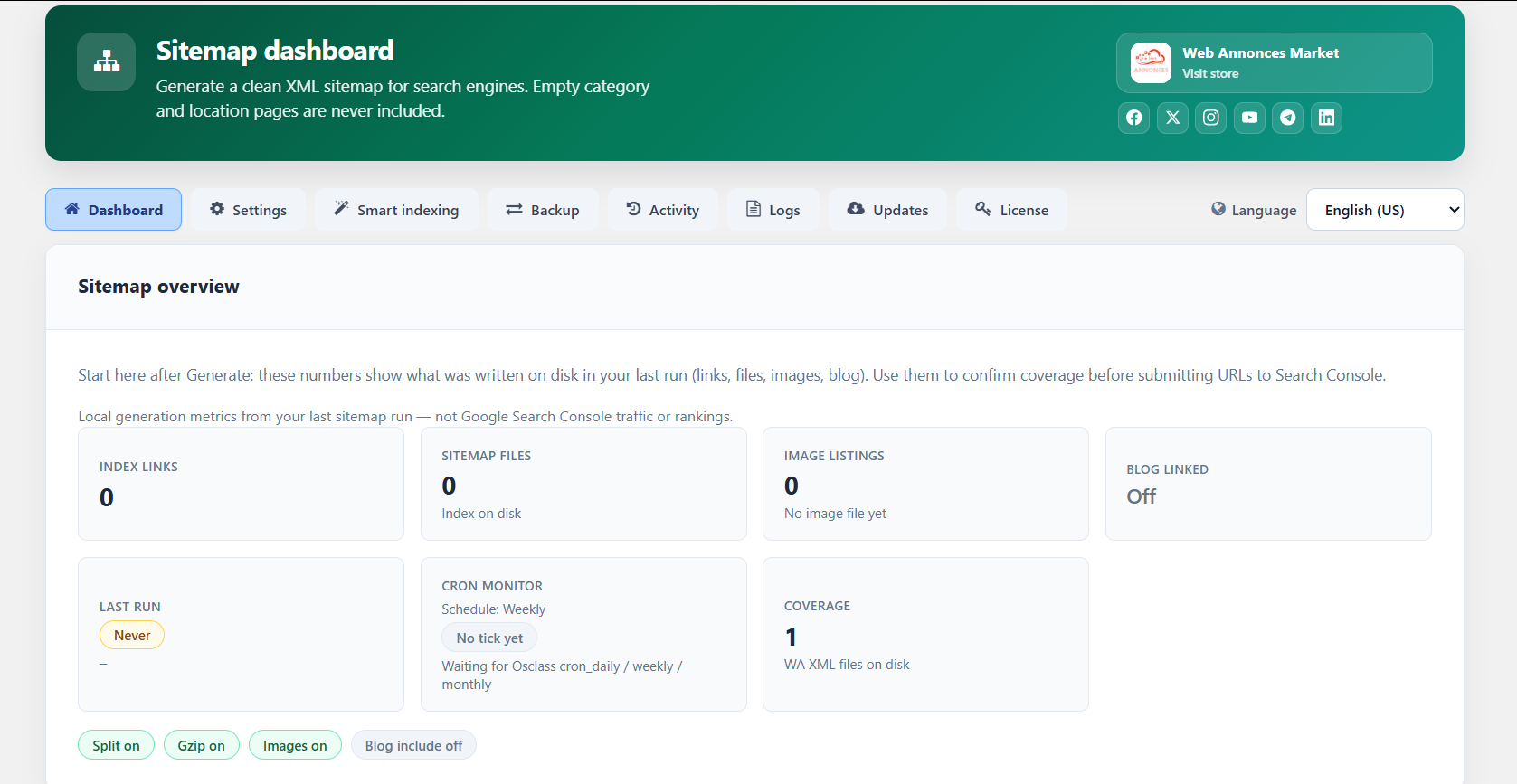
WA Sitemap SEO
Software Version: PHP 7.4+ (8.1 recommended), Osclass 3.x / 4.x / 8.x
Paid Osclass XML sitemaps with split files, cron refresh, IndexNow, and empty-page skipping for cleaner search indexing.

Osclass Translations Manager with AI Editor
Software Version: PHP 8.2, Osclass 8.3.1
Standalone PO and MO translations editor for Osclass Core, themes and plugins with automated AI translation features.
Connect Telegram
Link your Telegram to unlock this free download. The bot connection stays tied to this market account.
- Open the bot and confirm linking
- Join the required channel
- Claim your free download